I missed Delicious Library. So I made Taste Library.
I’m Ding Yu, an indie software developer in Tokyo. I fell in love with Delicious Library nearly twenty years ago, when Mac apps felt fun and full of personality. I have wanted something like it on the web ever since. I wrote the longer version of that story here . Taste Library is my attempt to bring that feeling back, built for your own collection.
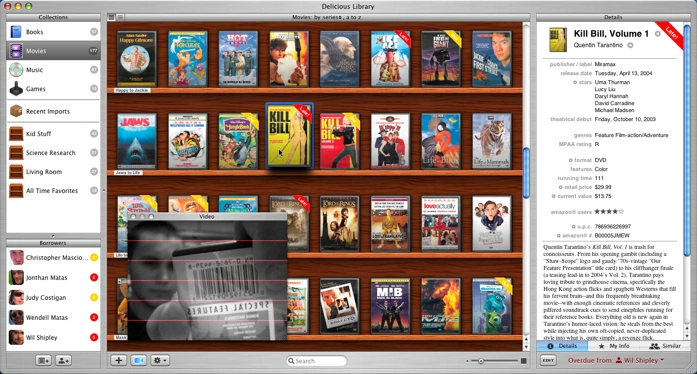
Taste Library is more than books, music, and games.
Everyone has their own personal collection. I do too. Besides the usual things like books, music, and games, I collect paintings, especially ukiyo-e, and vintage Macs, mostly G3s and G4s. I also used to share my photographs online. So I decided to make Taste Library to help you collect and manage all the things you care about, and put them somewhere you will be happy to show your friends.
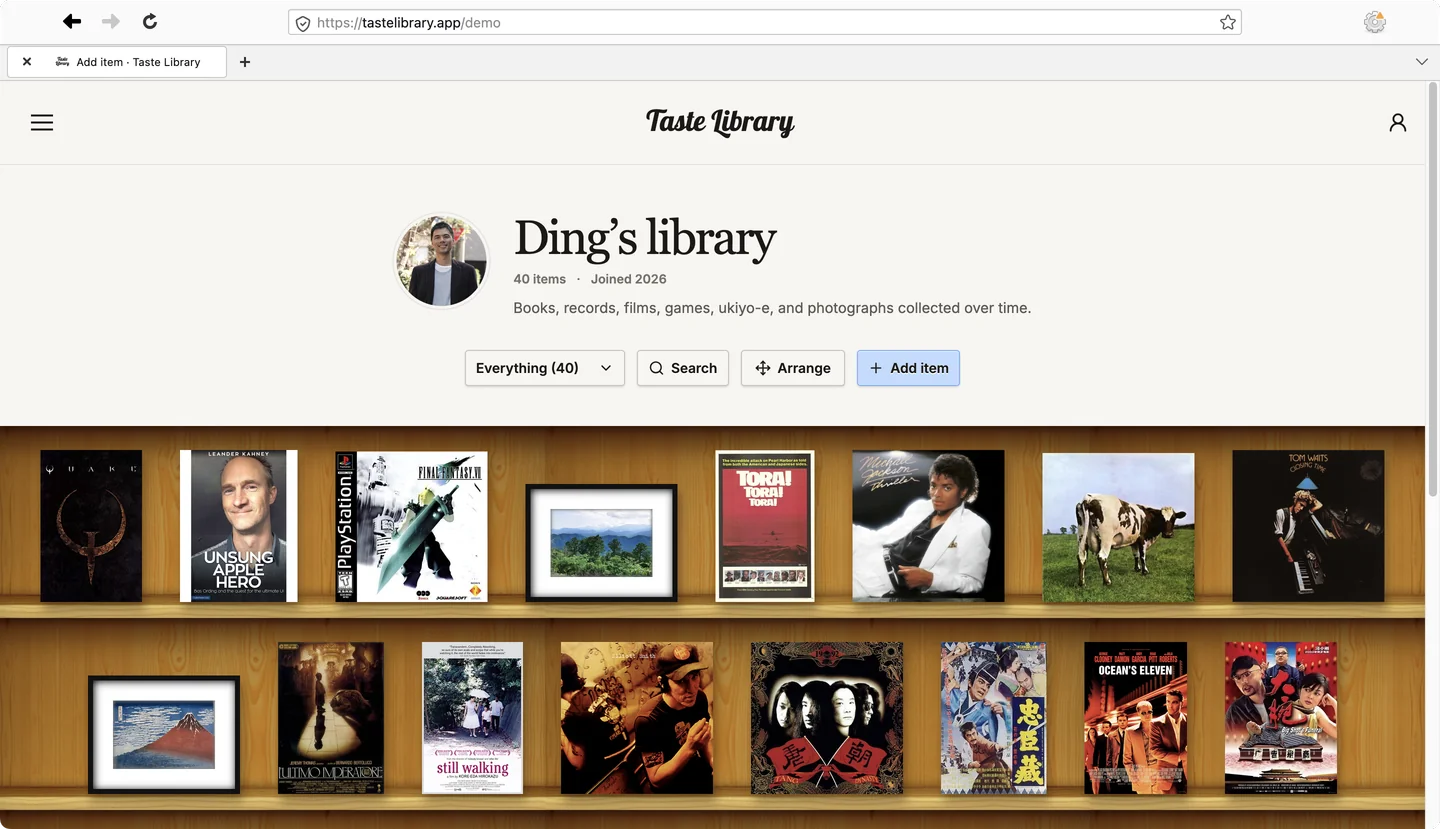
Start with the details that matter to you.
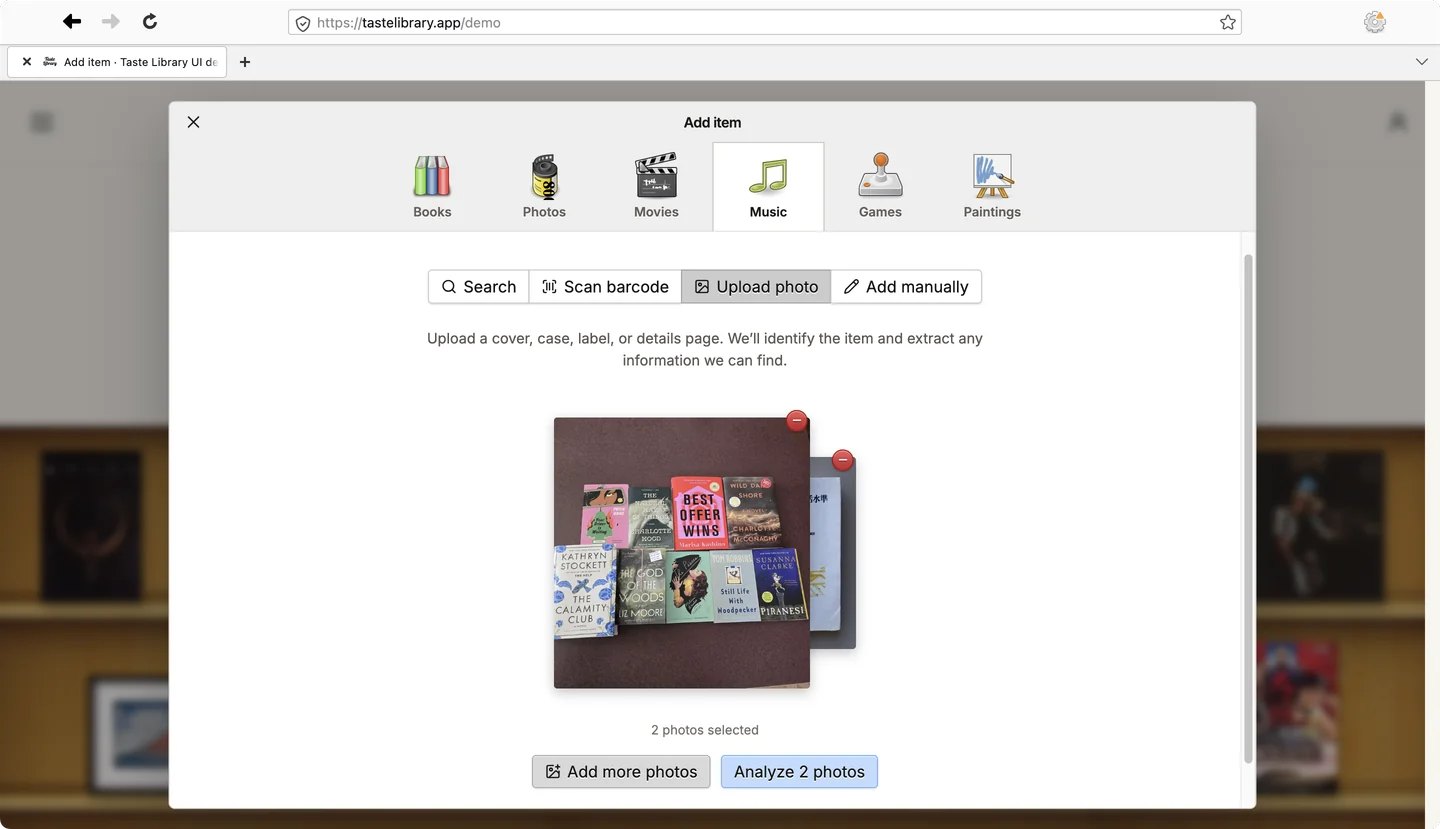
Find books by title, author, or ISBN, scan a book’s barcode, or add your items manually. Photo recognition and importing existing collections are planned for later.
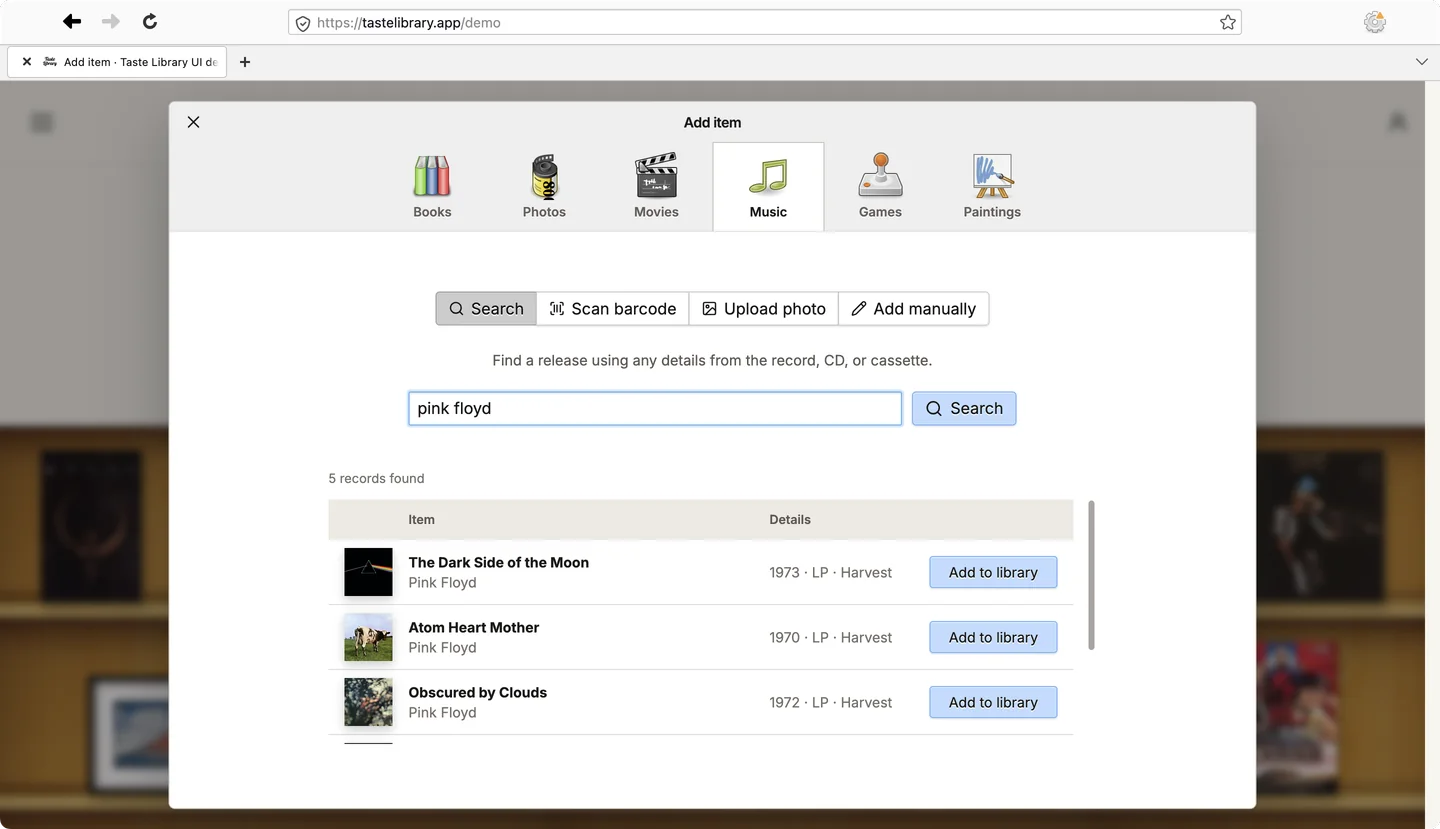
Search anytime, and you’ll never buy a duplicate again.
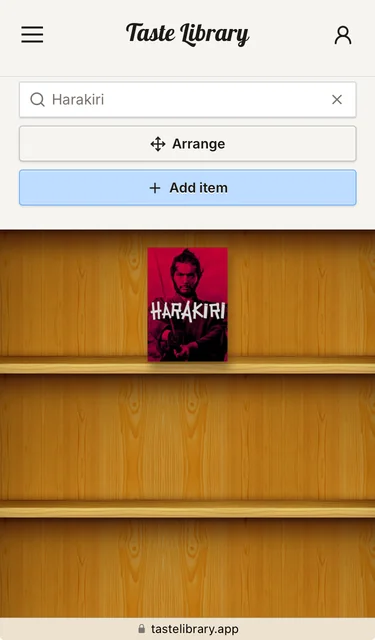
I keep seeing people with large collections accidentally buy duplicates in stores. They often cannot remember everything they already have, and searching a spreadsheet on a phone is not the best experience. So I made sure you can always search your Taste Library quickly, right from your phone.
You can make it personal.
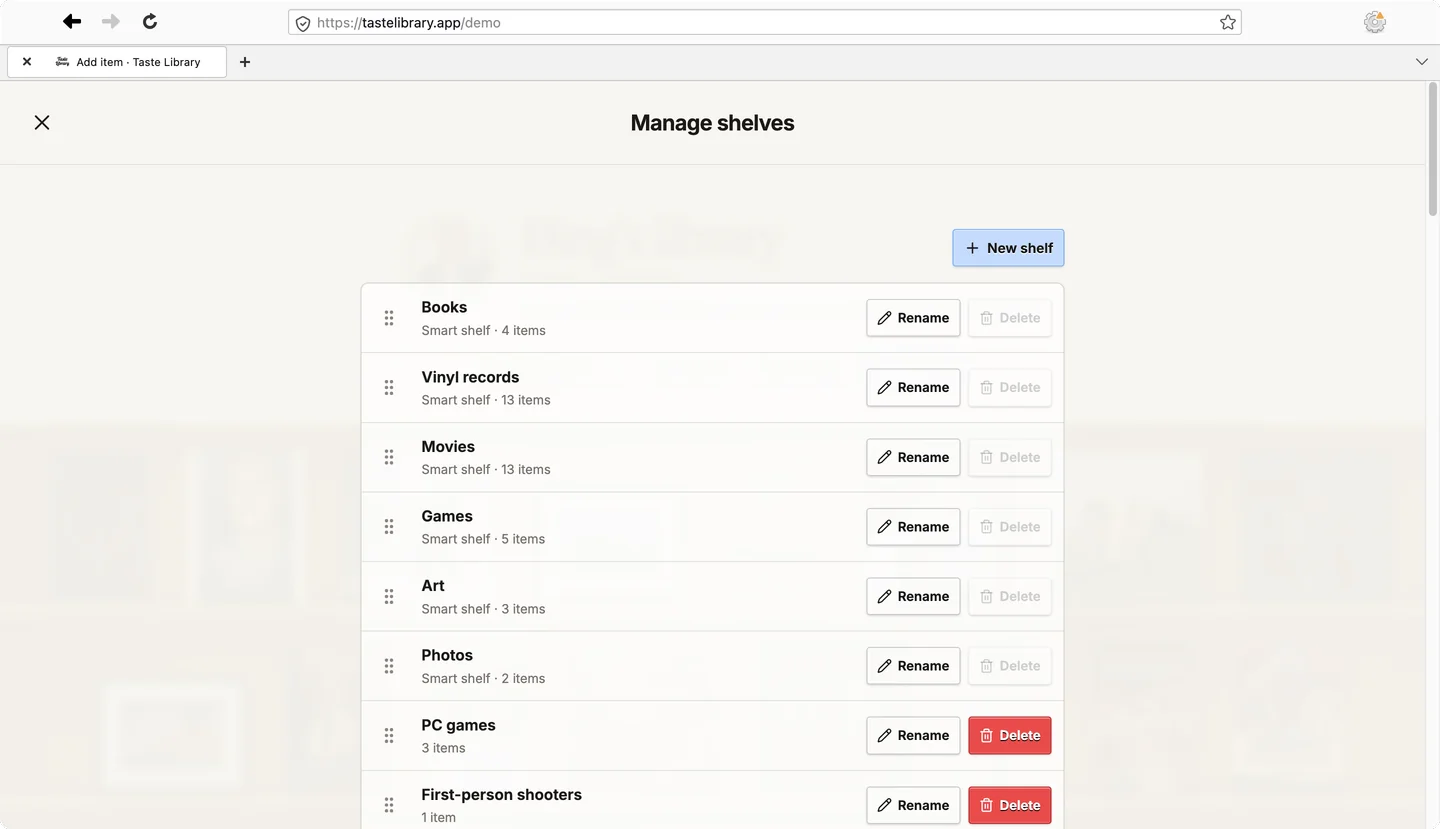
I want Taste Library to be a place where you can not only manage your collection but also show it off. So I spent time making the library customizable. You can put different things on different shelves and reorder them however you want.
See what it might be worth.
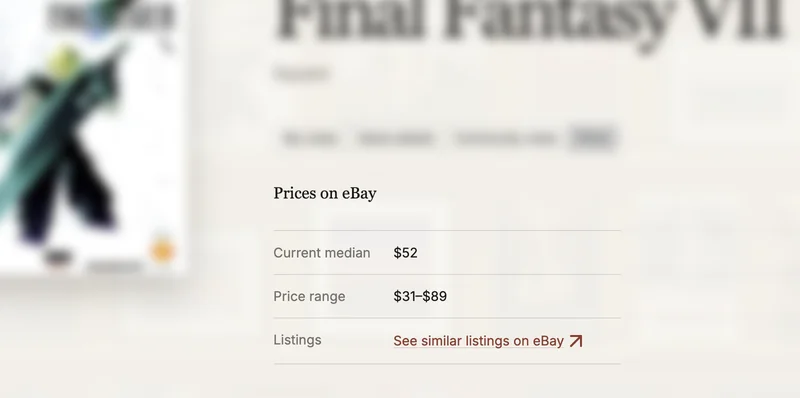
I know some collectors want to know what their collections are worth. So I’m exploring a feature that would show the current median price and price range for an item on eBay. Truth be told, this isn’t a feature I would use myself. If you would use it, I’d love your help making it genuinely useful.
Your library is yours.
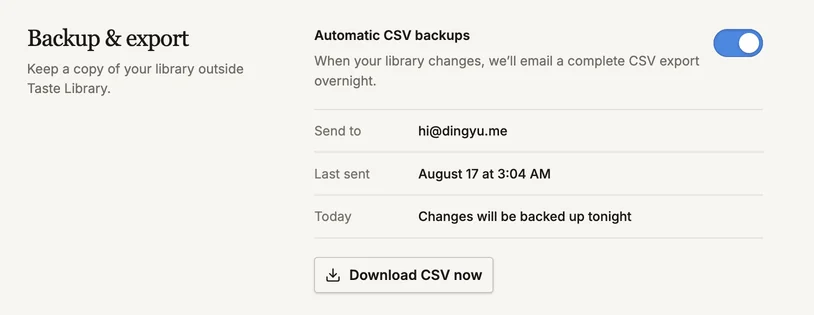
Your library data belongs to you. I’ll automatically email you a complete copy, and you can download a fresh CSV whenever you want. Even if Taste Library goes away one day, you will still have your library.
A plan for your library.
Keep your library public for free, or choose Pro to make it private.
Free $0 An unlimited public library, with CSV exports and overnight backups. |
Pro $4.99 a month or $49.99 a year Make your library public or private. No ads, optional affiliate links. AI features and market-price lookups are coming later. |